
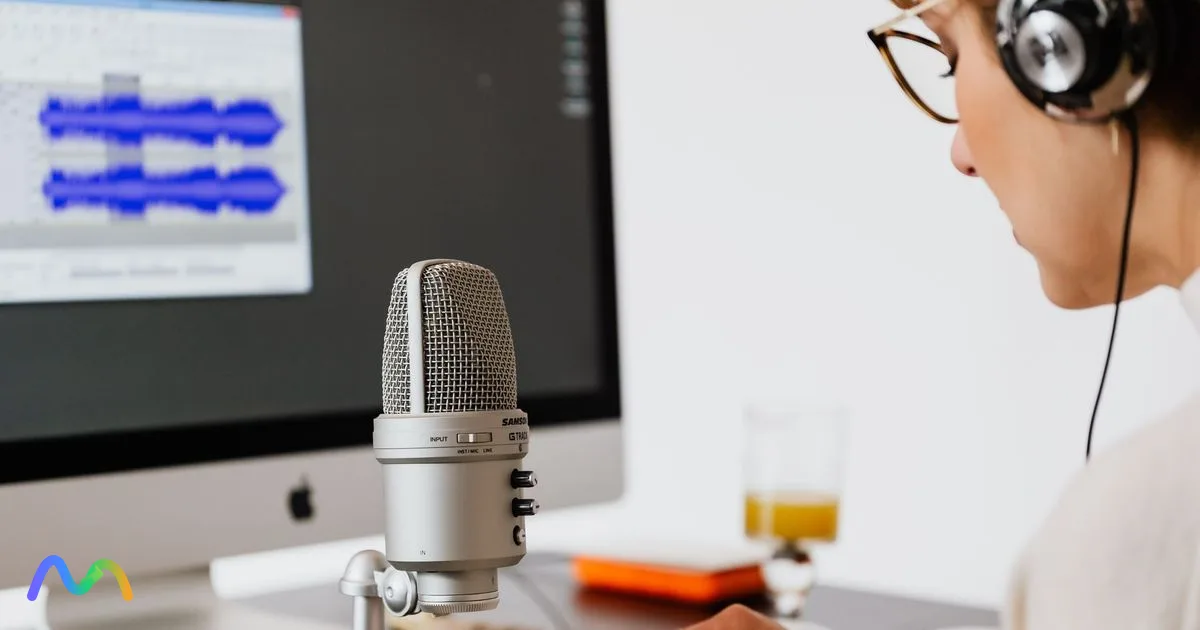
There is no single best transcription software for every job. Someone who needs meeting notes will choose differently from a podcaster, a researcher coding interviews, or a team handling sensitive recordings. This guide compares eight tools by output, pricing model, language coverage and the limits that actually bite, so you can shortlist two candidates before you pay. Prices and limits were checked on official pricing pages in October 2026. Whatever you choose, the deciding factor is still how the tool performs on your own audio and how long you spend fixing the transcript.
Table of contents
- Key takeaways
- Best transcription software compared
- How we evaluated these tools
- Accuracy, accents and speaker labels
- Input, editing and integrations
- Pricing, limits and real cost
- Privacy and data security
- The 8 best transcription software tools, by use case
- 1. Rev: when you need both AI and human transcription
- 2. Otter: for online meetings
- 3. Descript: for editing audio and video through the transcript
- 4. Riverside: for podcast production and remote interviews
- 5. Sonix: for file libraries and many export formats
- 6. Trint: for newsrooms and collaborative teams
- 7. GoTranscript: when you need human transcription
- 8. OpenAI Whisper: for local processing and technical teams
- Also worth testing
- How to choose transcription software in 6 steps
- Step 1: define the output and content type
- Step 2: decide how much review you need
- Step 3: test languages, accents and speaker labels
- Step 4: check exports and integrations
- Step 5: calculate the real cost
- Step 6: check data handling before you upload
- AI vs. human transcription
- When should you use AI transcription?
- When should you use human transcription?
- When should you combine AI and a human editor?
- When are built-in tools enough?
- Stick with Zoom, Google Meet or Microsoft Teams
- Switch to dedicated software when something essential is missing
- How to export and store transcripts safely
- 4 ways to improve transcript accuracy
- FAQ
- What is the most accurate transcription software?
- Is there good free transcription software?
- Which transcription software supports the most languages?
- Can transcription software identify different speakers?
- What's the difference between a transcript, captions and subtitles?
- Should I choose a subscription or pay-as-you-go?
- Conclusion: which tool should you try first?
- Sources and scope
Key takeaways
Meeting assistants, file transcription software, human transcription services and video editors are different products. They don't fully replace each other.
Test every shortlisted tool on a representative recording with names, accents and two or more speakers.
True cost = plan price + overage + add-ons + the time you spend editing.
Anything you publish or rely on legally should be checked against the audio by a person.
Best transcription software compared
Use this table to pick a category first, then read the reviews. Starting prices are the lowest paid tier listed on each official page; annual billing is usually cheaper than monthly.
| Tool | Best for | What sets it apart | Free option / starting price | Watch out for |
|---|---|---|---|---|
| Rev | Interviews needing different levels of review | AI and human transcription in one place | Free 45 min/month; paid from $25.49/seat/month; human from $1.99/min | AI and human services have separate terms |
| Otter | Online meetings | Transcript, summary and action items | Free 300 min/month; Pro from $8.33/month billed annually | Six languages; meeting bot may be blocked |
| Descript | Audio and video editing | Edit media by editing text | Free 60 min/month; paid from $16/month billed annually | Media-hour and AI-credit limits |
| Riverside | Podcasts and remote interviews | Recording through to editing and clips | Free 2 hours (one-time); Pro from $24/month billed annually | More than you need for plain transcription |
| Sonix | Multilingual file transcription | Strong editor, many export formats | 30-min free trial; $10/hour pay-as-you-go | No human review layer |
| Trint | Newsrooms and content teams | Collaborative transcript workspace | 7-day trial; per-seat subscription | Expensive for occasional use |
| GoTranscript | Difficult audio, human accuracy | Human transcription with AI option | Human from $1.02/min | Price and turnaround depend on service level |
| OpenAI Whisper | Local processing, developers | Open-source model you can run yourself | Free (MIT license); you pay for hardware | No UI, editor or speaker labels out of the box |
Four categories to keep apart: meeting assistants, file transcription software, content production suites, and human transcription services. Comparing across categories is how people end up paying for features while still missing the output they need.
How we evaluated these tools
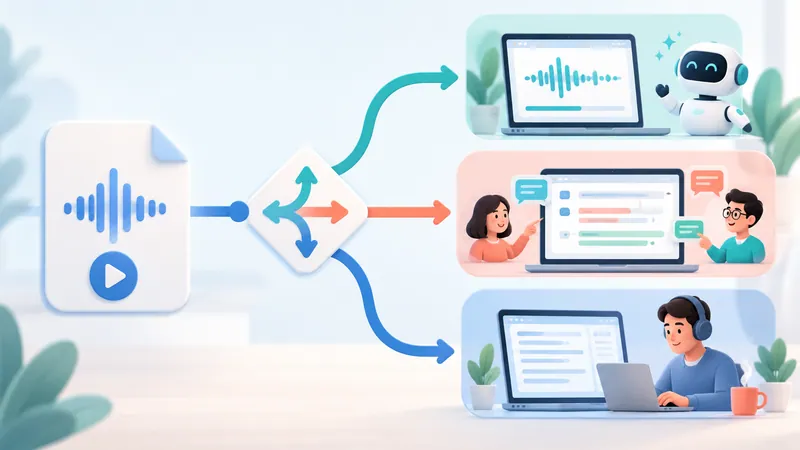
Methodology: this is desk research, not a head-to-head test run by our editors. We compared official documentation and pricing pages with published comparisons that disclose their method, including Zapier's review of 68 apps. Third-party reviews were used to identify criteria and patterns, not as accuracy guarantees for your recordings.
Accuracy, accents and speaker labels
Accuracy depends on noise, accents, jargon and crosstalk far more than on the vendor's headline number. Accuracy claims of "up to 99%" are measured on clean audio. Speaker diarization (splitting the transcript into speaker turns) also doesn't mean the system knows who each speaker is. If you want to measure it yourself, use word error rate (WER) on a short sample.
When you test, check:
Names, numbers and any code-switching between languages.
Whether speaker labels swap partway through.
Whether timestamps take you to the right spot when you need to re-listen.
Input, editing and integrations
Decide whether you need file upload, live recording, a meeting assistant that joins calls, or voice typing. Then check the output: plain text, SRT/VTT subtitle files (text plus display timing), a summary or an edited video. A native calendar or Zoom integration is different from a Zapier connection, which may cost extra.
Pricing, limits and real cost
A monthly price "billed annually" is not the month-to-month price, and a free plan is not the same as a time-limited trial. Before you buy, compare:
Minutes or hours included, number of file uploads and maximum length per file.
Per-seat fees, AI features and export rights on each tier.
Overage rates, whether unused hours expire, and your editing time.
Privacy and data security
Check retention, deletion, who can access files and whether your audio is used to train AI models. Get consent to record where required; in the US, several states require all-party consent.
SOC 2 is an audit report on a vendor's internal controls; GDPR is the EU's data protection law. For health data, a "HIPAA" badge is not enough: confirm the service scope and that the vendor will sign a BAA (business associate agreement).
The 8 best transcription software tools, by use case
1. Rev: when you need both AI and human transcription
Best for: journalists, researchers and content teams who want to choose between an automatic draft and a human-made transcript per file.
Rev offers both services under one account. Note that ordering human transcription is not the same as paying someone to correct the AI draft you already have.
Pros: you can match the service level to how important each recording is; legal-formatted transcripts are available.
Trade-offs: human transcription costs more and takes longer; language coverage on cheaper plans is limited (English, plus Spanish on Essentials; 37+ languages on Pro).
As of October 2026, the free plan includes 45 AI minutes a month, paid plans start at $25.49 per seat per month on annual billing, and human transcription starts at $1.99 per minute. A research interview can start with AI, but quotes you publish still need to be checked against the audio.
Choose it when service level matters more than calendar automation. If you mostly need recurring meeting notes, look at Otter first.
2. Otter: for online meetings
Best for: teams that want to capture meetings, search past discussions and track follow-ups.
The typical setup is to connect your calendar, let the assistant join Zoom, Google Meet or Teams, then review the transcript, summary and action items. For project meetings, confirm the owners and deadlines the AI picked up.
Pros: built around what happens before and after a meeting, not just producing text.
Trade-offs: the bot can be blocked by company policy or require participant consent; AI transcription covers six languages (English, Spanish, French, German, Japanese and Chinese).
The free Basic plan gives 300 minutes a month, but caps each conversation at 30 minutes and allows only 3 file imports in total. Pro costs $8.33 per user per month billed annually ($16.99 monthly) for 1,200 minutes and 90-minute conversations. Look at minutes, conversation length and import limits together.
Don't assume language support from a Zoom, Meet or Teams integration. If you work in other languages, check the language list first. For a broader roundup of meeting tools, see the best AI meeting note takers.
3. Descript: for editing audio and video through the transcript
Best for: YouTubers, podcasters and interview editors who need transcription and post-production in one place.
Descript lets you edit audio and video by editing linked text. Delete a rambling sentence in the script and the matching media is cut.
Pros: transcript, captions and editing live in one workflow.
Trade-offs: you need to learn the difference between correcting text and cutting media to avoid mistakes.
Correcting a misrecognized word in the transcript does not change what was said in the recording. Voice regeneration is a separate feature. The free plan includes 60 media minutes a month with watermarked exports; Hobbyist starts at $16 per month billed annually for 10 media hours. Compare media hours, AI credits and export quality before you upgrade.
Choose it if your output is video or a podcast episode; skip it if you only need a text file.
4. Riverside: for podcast production and remote interviews
Best for: creators who want to record remote sessions and then transcribe and edit them.
The core flow is record, transcribe, edit, create clips. Separate tracks per guest make it easier to fix levels and audio problems for each person.
Pros: starts at the recording stage, which helps when you don't have a source file yet.
Trade-offs: recording quality still depends on guests' microphones, browsers, devices and whether uploads finish.
 Try NoteMeeting Free →
Summarize your meetings & videos automatically with NoteMeeting
Google Meet, Zoom, YouTube, Podcast — all in one extension.
Compared with Descript, Riverside makes more sense when the main job is running the recording session; Descript fits better when you already have media to edit. The free plan includes 2 hours of multitrack recording once; Pro is $24 per month billed annually ($29 monthly) with 5 hours of separate-track recording per month.
Skip it if you just want to upload a file and get a TXT back. Producing a show? Our guide to getting a podcast transcript covers the workflow end to end.
5. Sonix: for file libraries and many export formats
Best for: journalists, researchers and video teams who already have audio or video files and need to edit, search and export transcripts.
Sonix is dedicated file transcription software, not a meeting assistant. It focuses on timestamped transcripts, speaker labels, a web editor, translation and exports for post-production.
Pros: a direct upload-edit-export flow; transcription in 54+ languages; good when the transcript itself is the asset.
Trade-offs: no human review option; subscriptions also bill extra hours, so model your volume.
Pay-as-you-go is $10 per hour with a 30-minute free trial; the Core subscription is $25 per month for 5 hours, with extra hours at $10. Accuracy varies by accent and recording quality, so don't rely on any single review. Run the same 10-minute clip through two tools and compare meaning-changing errors and editing time.
6. Trint: for newsrooms and collaborative teams
Best for: content teams where several people review transcripts, verify quotes and move material into an editorial workflow.
Trint's strength is the shared workspace around the transcript rather than a standalone TXT file. Users can search, edit, highlight and reuse content in one place.
Pros: suits editorial processes with multiple reviewers and a need to trace quotes back to source.
Trade-offs: per-seat pricing is hard to justify if you only transcribe a few files a month.
Trint offers a 7-day free trial and per-seat plans; pricing varies by region and billing period, so check the plans page for your currency. Before committing, confirm languages, export rights, member permissions and retention policy on a real account.
7. GoTranscript: when you need human transcription
Best for: interviews with difficult audio, heavy jargon, or content where errors would cost a lot of review time.
GoTranscript offers both automatic and human transcription. Compare more than the advertised accuracy: turnaround time, formatting rules, timestamps and language coverage all matter.
Pros: you can switch to a human workflow when AI isn't good enough; human transcription starts at $1.02 per minute; exports include DOCX, PDF, TXT, SRT and VTT.
Trade-offs: slower and more expensive than AI; a human transcript still doesn't replace subject-matter review or certification.
Add it to your test round when one hard recording is eating hours of correction. For sensitive data, check who can access files and the contractor terms. If you do the editing yourself, our interview transcription guide lays out a step-by-step process.
8. OpenAI Whisper: for local processing and technical teams
Best for: developers or organizations that want full control over the speech recognition infrastructure.
Whisper is an open-source speech recognition model under the MIT license, not a finished app. It comes in six sizes, from tiny to large plus a faster "turbo" model, and needs Python, PyTorch and ffmpeg. You handle installation, hardware, queuing, the editing interface and operational security.
Pros: audio can stay on your own infrastructure; easy to build into internal pipelines.
Trade-offs: no built-in editor, permissions, user support or speaker diarization.
Choose Whisper when you have engineering capacity and data control matters more than convenience. If you need something today, a commercial product built on top of a model like this is usually more practical. For the underlying technology, see what speech-to-text is and how it works.
Also worth testing
Other names that appear in most 2026 roundups: Happy Scribe (strong subtitle tools, many languages), Notta (meetings plus file uploads), Fireflies.ai (meeting assistant with CRM integrations) and TurboScribe (Whisper-based, simple uploads). If your main need is voice typing rather than transcribing recordings, our speech-to-text apps comparison is a better starting point.
How to choose transcription software in 6 steps
Step 1: define the output and content type
Pick one primary output: meeting minutes, a transcript, subtitles, a podcast episode or dictated text. Example: video subtitles need SRT/VTT export, not just copyable text.
Step 2: decide how much review you need
Personal notes: skim the important parts yourself.
Published content: someone checks the transcript against the audio.
High-stakes documents: a qualified person reviews and signs off.
Step 3: test languages, accents and speaker labels
Pick a 5-10 minute clip with names and at least two speakers.
Include accented speech or a second language if you deal with them often.
Log meaning-changing errors, speaker-label mistakes and how long editing took.
For voice typing, test the same writing task instead of uploading a file.
Step 4: check exports and integrations
Export a file and open it in the tool you'll actually use. Check special characters, timestamps, subtitle line breaks and sharing permissions. Don't rely on the format name in a feature table.
Step 5: calculate the real cost
Total cost = plan price + overage + add-ons + editing time.
Hypothetical example: a $20 plan includes 10 hours, you need 12 hours, and overage is $3 per hour. The service cost is $26, before tax and editing time. Also check annual commitments and whether purchased hours expire.
Step 6: check data handling before you upload
Upload only after confirming recording consent, company policy and the vendor's data processing terms. For sensitive content, confirm deletion rights, retention periods, human and subcontractor access. Test with a non-sensitive file first.
AI vs. human transcription
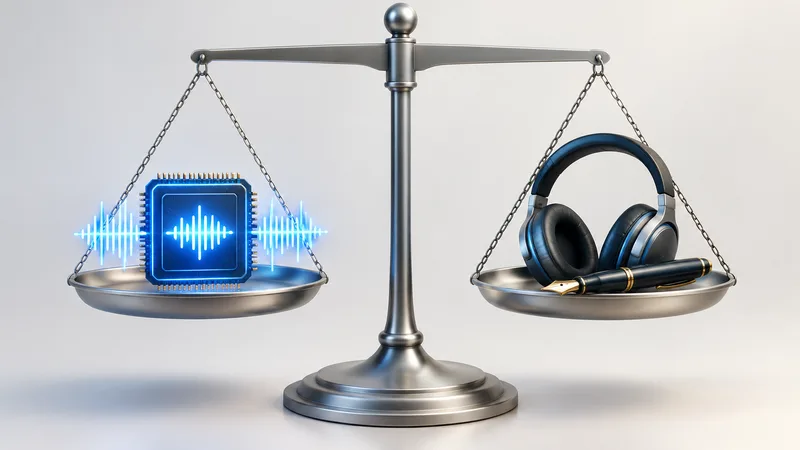
| Option | Usually the right fit when | Typical cost |
|---|---|---|
| AI | You need a draft fast or process lots of files | Cents per minute, or a flat subscription |
| Human | Context, jargon and exact wording matter | Roughly $1-2+ per minute |
| Hybrid | You need to balance speed, cost and review | AI price plus your editor's time |
When should you use AI transcription?
Clear audio, and you need a draft or searchable text.
High volume with someone available to review.
The output won't be used as verified quotes.
When should you use human transcription?
When audio is hard to hear, terminology is complex, or mistakes have real consequences, use a qualified human transcriber. A human transcript is not automatically a translation, a certified transcript or a legally admissible document.
When should you combine AI and a human editor?
AI produces the draft.
An editor listens through, fixing words and speaker labels.
Quotes and numbers are checked, then the file is exported.
Running this process yourself doesn't mean the vendor's price includes a review service.
When are built-in tools enough?
Stick with Zoom, Google Meet or Microsoft Teams
You may not need to buy anything if the built-in feature:
Supports the language of your meetings.
Lets you save or export what you need.
Fits your data policy.
Availability depends on your plan, region and admin settings. Step-by-step guides: Zoom transcription, Google Meet transcripts and recording Microsoft Teams meetings. If you want transcripts and AI recaps across all three platforms without a bot joining the call, the NoteMeeting Chrome extension works in the browser.
Switch to dedicated software when something essential is missing
Consider switching when you need to transcribe files outside meetings, export subtitles, edit media, search across many transcripts or order human transcription. Only conclude a new tool is more accurate when a test on your own audio shows it.
How to export and store transcripts safely
Give view or download access only to people who need it.
Delete test files and public share links after your evaluation.
Prefer open formats such as TXT, DOCX, SRT or VTT to avoid lock-in.
Keep the original, the edited version and a change log separately; never overwrite your only copy.
Don't install browser extensions from unknown publishers to pull transcripts out of other services.
Working mainly with meetings? Read our guide to meeting transcripts, and if you need to condense long transcripts, see AI transcript summarizers.
4 ways to improve transcript accuracy
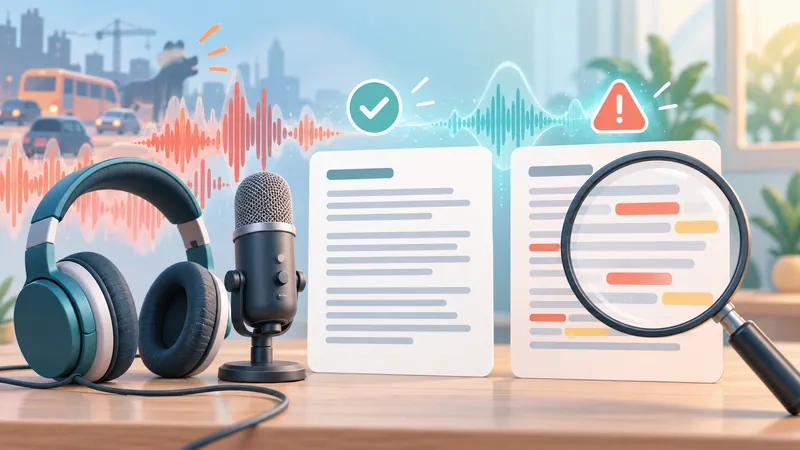
Record clean audio: keep the mic close to the speaker, check levels and reduce echo.
Reduce crosstalk: take turns speaking; record separate tracks where possible.
Prepare vocabulary: add names and custom terms if the tool supports it.
Re-listen before publishing: prioritize numbers, names, negations and quotes, where a small error can flip the meaning.
FAQ
What is the most accurate transcription software?
No tool wins for every language and recording. Human services such as GoTranscript and Rev's human tier are the safest choice for accuracy; among AI tools, results vary by audio type. Compare tools on the same clip and count meaning-changing errors and editing time, not just how fluent the text reads.
Is there good free transcription software?
Yes, with limits. Otter's free plan gives 300 minutes a month (30 minutes per conversation), Descript's free plan includes 60 media minutes a month, Rev's free plan includes 45 AI minutes, and OpenAI Whisper is free if you can run it yourself. Free plans are not unlimited, and a free trial is not a free plan.
Which transcription software supports the most languages?
File-focused tools tend to cover more languages than meeting assistants: Sonix lists 54+ languages, Rev Pro 37+, while Otter supports six. Language support doesn't guarantee quality for every accent, so test with your own speakers.
Can transcription software identify different speakers?
Most tools label speaker turns, but "Speaker 1" is not a confirmed identity. Crosstalk, similar voices and poor audio can cause labels to swap. Check labels before quoting anyone.
What's the difference between a transcript, captions and subtitles?
Transcript: the text of what was said.
Captions: time-synced text that often includes non-speech sounds for accessibility.
Subtitles: mainly dialogue, in the same or a different language.
Platforms don't always use these terms consistently.
Should I choose a subscription or pay-as-you-go?
Subscriptions suit steady volume; pay-as-you-go (for example, Sonix at $10 per hour or per-minute human services) suits irregular work. Compare total hours, minimum purchases, expiry of purchased time and extra fees.
Conclusion: which tool should you try first?
For online meetings, start with Otter if it supports your language. For content production, start with Descript or Riverside. For file libraries, compare Sonix and Trint; when you need a human, add Rev and GoTranscript to your test round. Whisper fits technical teams that want to run their own stack. The software worth paying for is the one that delivers your output with the least editing at a total cost you can live with.
Pick two candidates, test them on a real task, then compare accuracy, export options, price and data policy before you subscribe.
Sources and scope
Zapier: The best transcription software, tested 68 apps and recommends choosing by workflow.
Riverside: transcription tools tested, a vendor source with commercial interest, used to cross-check the AI vs. human categories.
Official product and pricing pages are linked in the comparison table.
Prices, limits and features change often. Pricing was checked in October 2026. Our editors did not run a head-to-head test of all eight tools.